
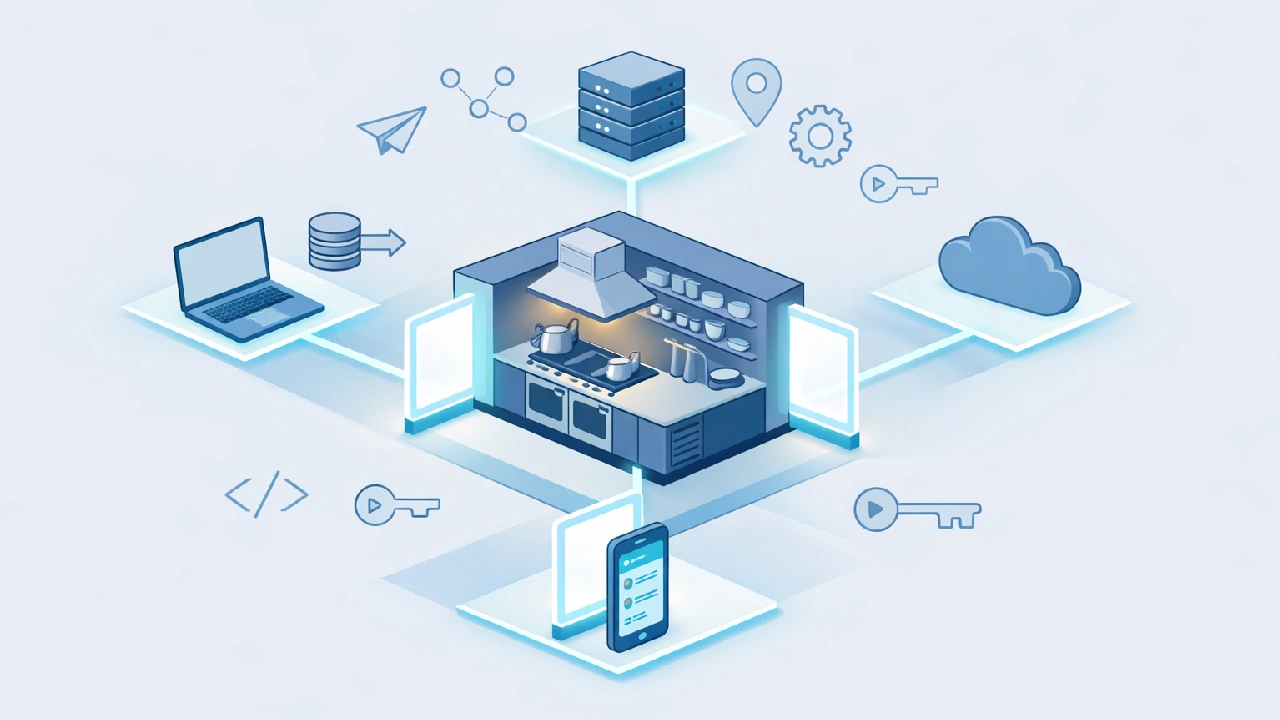
APIs can feel confusing at first, especially when documentation is full of technical jargon. This glossary explains common API terms in simple language, with real-world context.
Whether you’re a beginner or brushing up your knowledge, bookmark this page, you’ll come back to it often.
Table of Contents
What is an API?
At its core, an API is a set of rules that allows one software application to communicate with another. Instead of directly accessing a system’s internal workings, applications interact through a defined interface, the API.
A Simple Real-World API Example (Drive-Through Analogy)
An API is like a drive-through restaurant. Just as a restaurant has a front door where customers come in, place their order, eat there or take it away – similarly, the drive-through option is a type of API. This means the restaurant’s main function continues through the front door, but there’s also a back door where additional customers are coming who aren’t entering the restaurant or shop – they’re placing their orders from outside and taking them away. The front-end system keeps running. So we can say this is a real-life example of an API.
How this maps to APIs:
- Front door → Main website or app (direct users)
- Drive-through → API (other apps or businesses)
- Same kitchen → Same backend logic
- Two revenue streams → Direct users + API consumers
So the back door becomes an extra earning option… they have two ways to earn – from customers who are coming inside the restaurant and from extra customers who are generating income through the back door without using the restaurant.
Similarly, in the digital world, if you’re providing a service, you’re already selling your services to your customers, but you can also create an API of your services and sell it to other businesses or customers who aren’t coming directly to your shop.
What is an API Endpoint?
A specific URL where an API can access the resources it needs to perform a particular function.
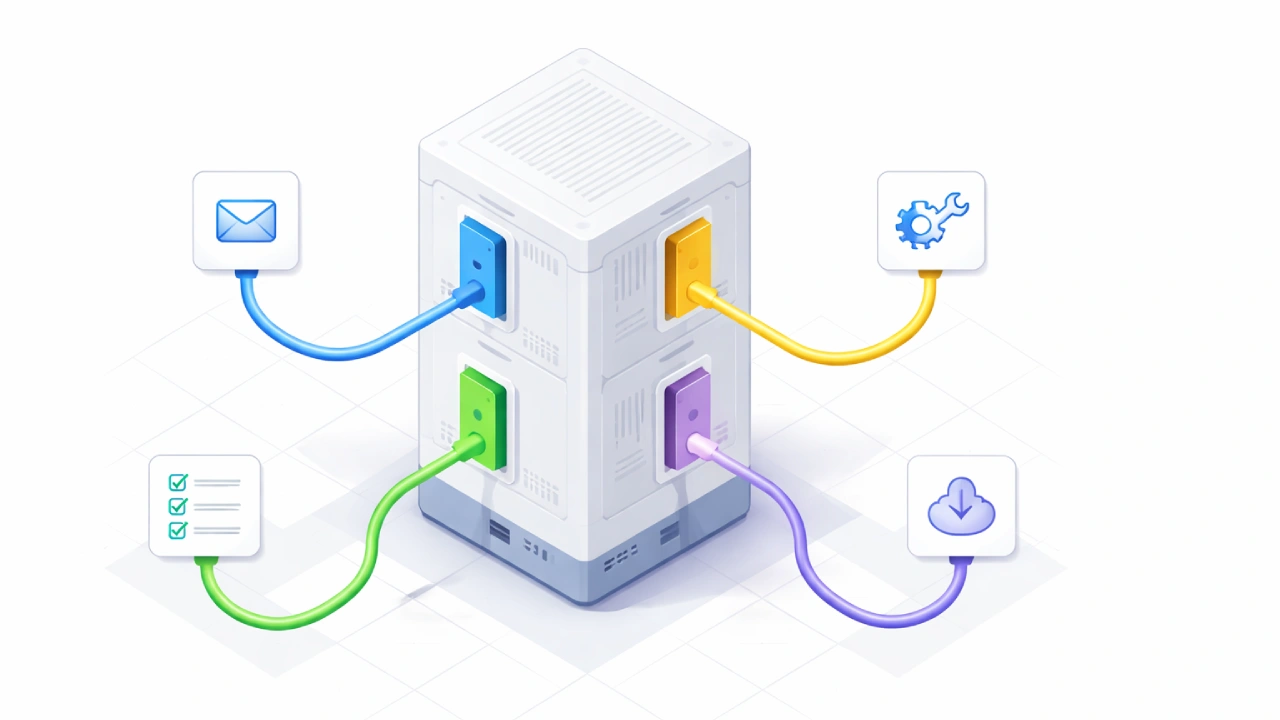
If the API is the drive-through system itself, then API endpoints are the specific windows or stations where you perform different actions.
Imagine a drive-through with multiple windows:
- Window 1 (Order Window) –
/placeOrder- You place your food order here
- Tell them what burger, fries, and drink you want
- Window 2 (Payment Window) –
/makePayment- You pay for your order here
- Hand over your credit card or cash
- Window 3 (Pickup Window) –
/collectOrder- You collect your prepared food here
- Receive your bag with the order
- Window 4 (Special Requests) –
/customizeOrder- Ask for extra sauce, no pickles, etc.
Each window has a specific purpose and handles a specific type of request. You can’t pay at the order window or collect food at the payment window – each station (endpoint) does one specific thing.
In the Digital World: If a restaurant has an API for other businesses (like food delivery apps), the endpoints might be:
restaurant.com/api/menu– Get the current menurestaurant.com/api/order– Place a new orderrestaurant.com/api/order/status– Check order statusrestaurant.com/api/order/cancel– Cancel an order
Each endpoint is a specific “window” where you can perform one particular action with the restaurant’s system!
What is an API Request?
A message sent from a client to a server asking for data or action to be performed.
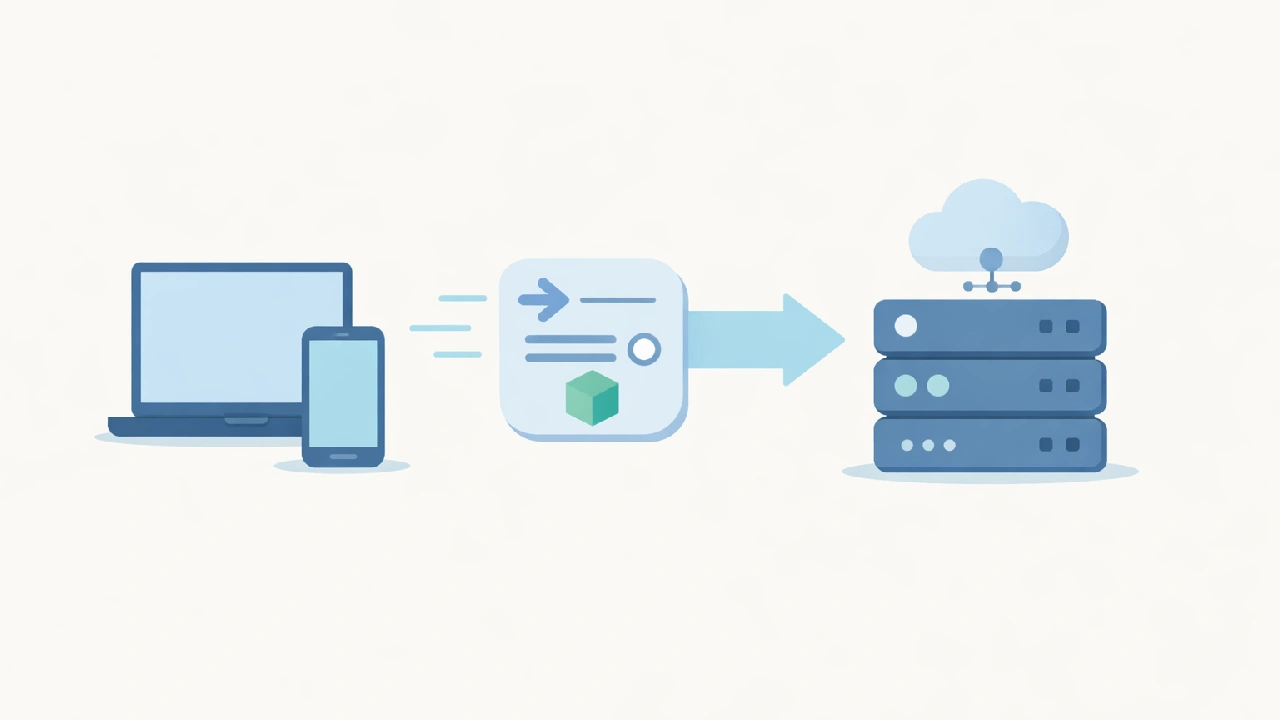
API Request = Your Actual Order at the Window
When you pull up to Window 1 (Order Window) – the /placeOrder endpoint – you don’t just sit there silently. You make a request:
Your request: “I’d like one cheeseburger with no pickles, large fries, and a medium Coke.”
This request contains:
- What you want – cheeseburger, fries, Coke
- Specifications – no pickles, large size, medium size
- Quantity – one burger
In the Digital World: When a food delivery app sends a request to restaurant.com/api/placeOrder, it includes:
- Customer name: “John Smith”
- Items: [“Cheeseburger”, “Large Fries”, “Medium Coke”]
- Special instructions: “No pickles”
- Delivery address: “123 Main St”
The API request is the complete message with all the details needed for the endpoint to process what you want!
What is an API Response?
The data or message sent back from the server after processing a request.
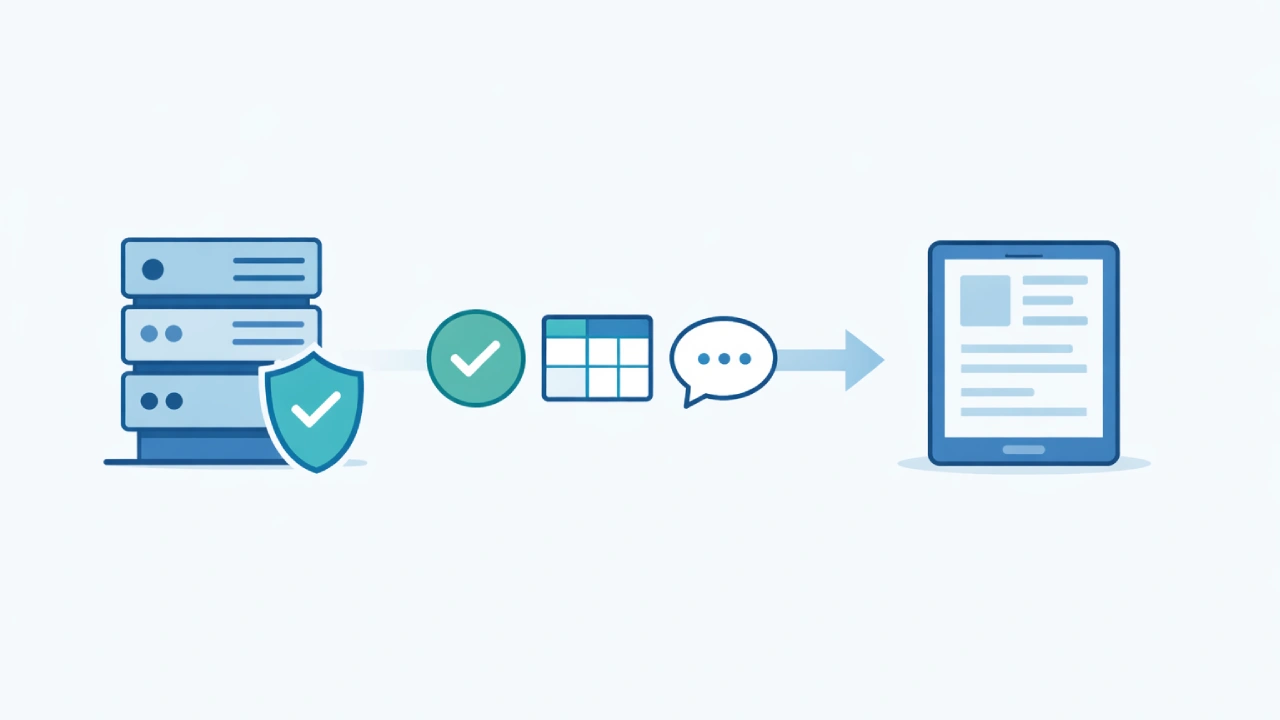
After you make your request at Window 1 (Order Window), the staff doesn’t just stay silent. They give you a response:
Their response: “Sure! That’ll be $12.50. Your order number is #247. Please proceed to Window 2 for payment.”
This response contains:
- Confirmation – Your order was received
- Details – Total price, order number
- Next steps – Where to go next
In the Digital World: When the food delivery app sends a request to restaurant.com/api/placeOrder, the restaurant’s system sends back a response:
- Status: “Success”
- Order ID: “#247”
- Total amount: “$12.50”
- Estimated time: “20 minutes”
- Message: “Order confirmed and being prepared”
The API response is the reply you get back from the endpoint, confirming whether your request worked and providing any information you need to know!
Also Read: Perplexity API Pricing Explained: Free Tier, Pay-As-You-Go Costs & Pro Access
What is an API Key?
A unique identifier used to authenticate requests made to an API.
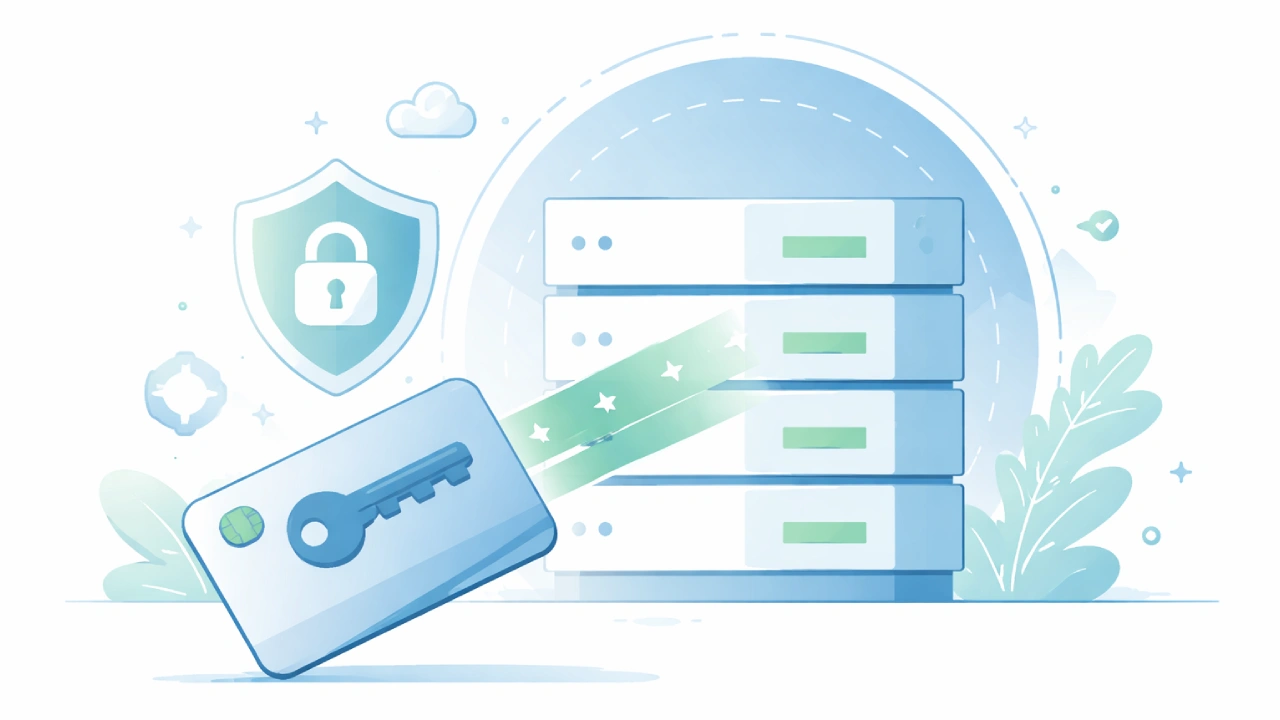
API Key = Your VIP Membership Card
Imagine the drive-through has a special lane for registered customers only – like a loyalty program member lane. To use this lane, you need to show your membership card at the beginning.
At the entrance: You flash your card with ID #VIP-12345 Staff checks: “Valid member – proceed to order!”
Without this card:
- You can’t access the VIP lane
- You can’t get member discounts
- You can’t place orders through their app
In the Digital World: When a food delivery app wants to use restaurant.com/api/placeOrder, it must include its API key with every request:
- API Key: “abc123xyz789”
- This proves: “I’m DoorDash, and I’m authorized to use your system”
The API key is your unique identifier that:
- Authenticates you – proves who you are
- Authorizes you – gives you permission to access
- Tracks you – restaurant knows how many orders you’re placing
Without a valid API key, the restaurant’s API rejects your request – just like being turned away from the VIP lane without a membership card!
What is Rate Limiting?
Restrictions on the number of API requests a user can make within a specified time period.
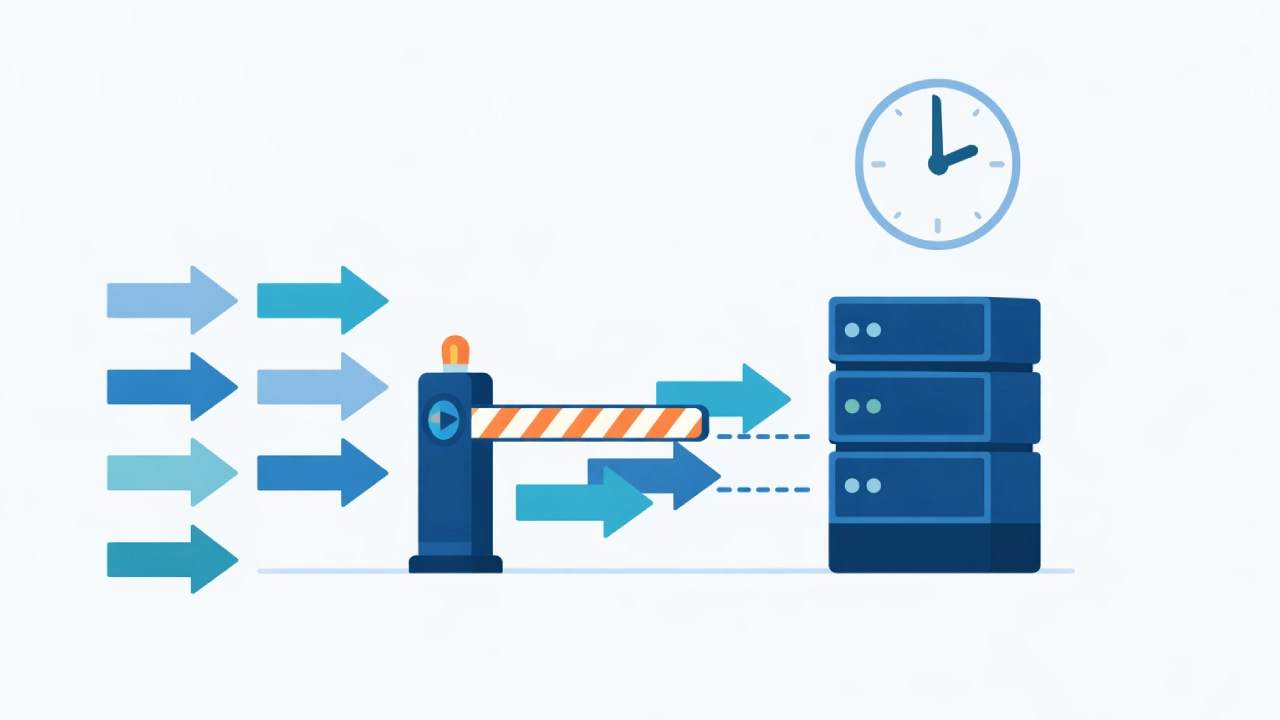
Rate Limiting = Drive-Through Speed Limit
Imagine the drive-through has a sensor that tracks how fast cars are moving through. “Cars must wait at least 2 minutes between each window” – this ensures:
- The kitchen has time to prepare orders
- Staff aren’t rushing and making mistakes
- The system doesn’t get backed up
What happens:
- You zoom through too fast, trying to skip ahead: “Please slow down, wait your turn”
- You follow the pace: Everything flows smoothly
In the Digital World: A payment processing API like Stripe might say: “Maximum 100 payment requests per second per business.”
Why? Because if a business accidentally sends 10,000 payment requests at once due to a bug:
- It could crash Stripe’s servers
- It could accidentally charge customers multiple times
- It affects other businesses using Stripe
Rate limiting forces everyone to go at a reasonable speed – like traffic flow control. If you hit the limit, you get: “Error 429: Slow down, wait a few seconds, then try again.”
It keeps the whole system running smoothly for everyone!
What is a Payload?
The actual data being transmitted in an API request or response, excluding headers and metadata.
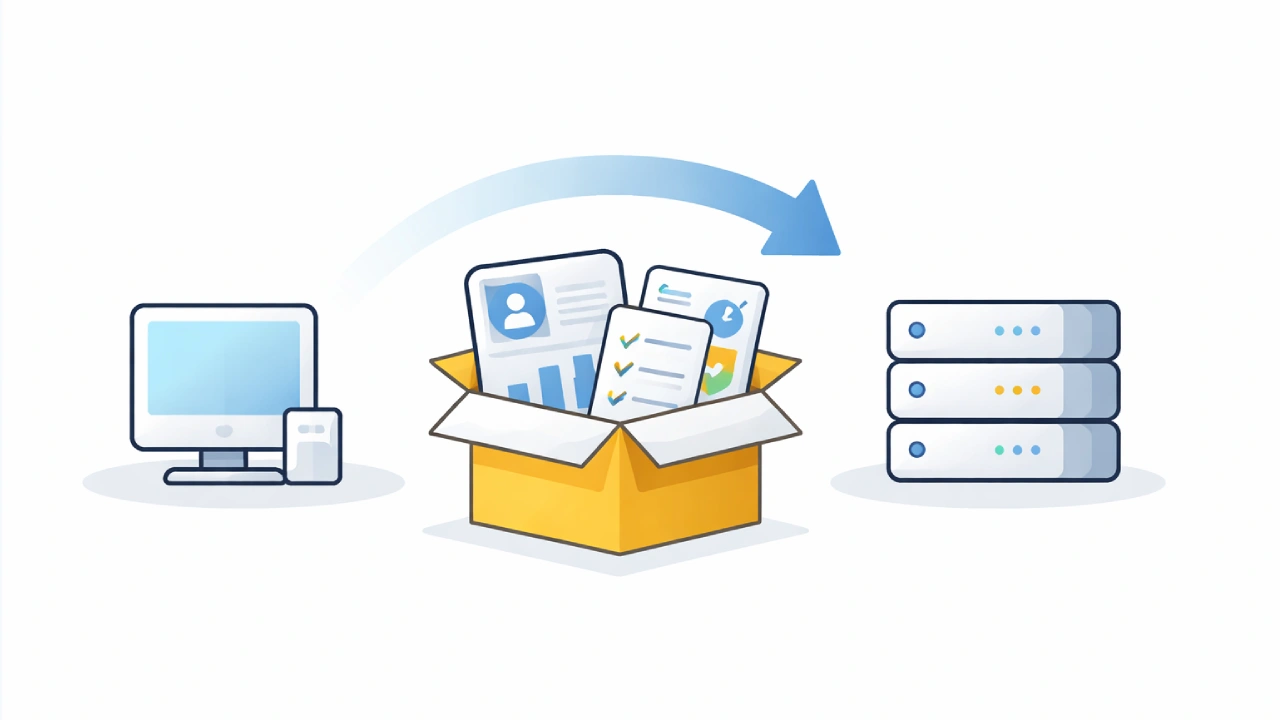
Payload = The Contents of Your Order Bag
When you place an order at the drive-through, the payload is everything you’re actually asking for – the detailed contents of what you want delivered.
At the order window, your payload includes:
- 1 Cheeseburger (no pickles, extra cheese)
- 1 Large Fries
- 1 Medium Coke (no ice)
- 2 packets of ketchup
This is the actual data being transferred – not the bag itself, not the receipt, but the specific food items and instructions inside.
In the Digital World: When a food delivery app sends a request to restaurant.com/api/placeOrder, the payload is the data package:
{
  "customer": "John Smith",
  "items": ["Cheeseburger", "Large Fries", "Medium Coke"],
  "customizations": "No pickles, extra cheese, no ice",
  "address": "123 Main St",
  "payment": "Credit Card"
}
The payload is the meaningful information being carried in your request – the actual order details, not just “I want to order something.” It’s what gets unpacked and processed on the other end!
What are Status Codes?
A three-digit number returned by a server indicating the result of an HTTP request. Status codes are like traffic lights: 200 means “success” (green light), 404 means “not found” (wrong address), 500 means “server error” (road closed). They quickly tell you what happened without reading detailed messages.
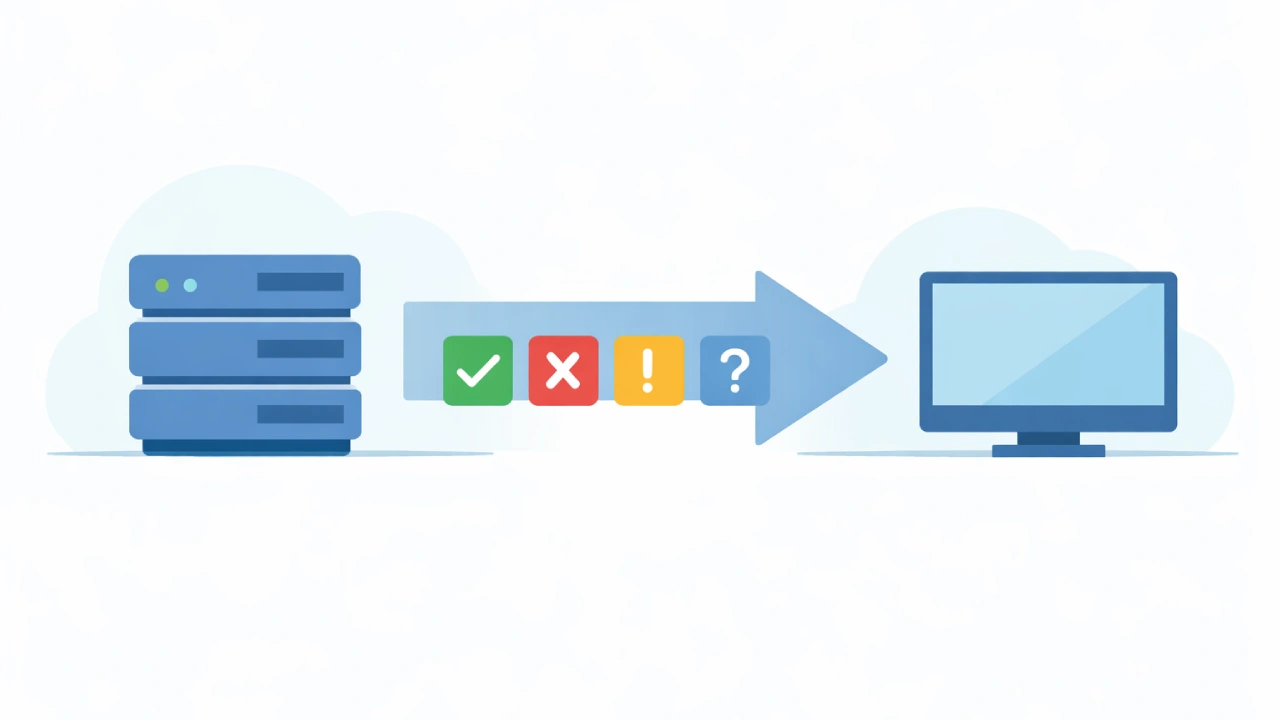
When you interact at the drive-through, the staff gives you different status updates that tell you exactly what’s happening with your request.
Possible responses:
- “Order confirmed! Please proceed to payment.” = 200 (Success)
- “Sorry, we’re out of cheeseburgers.” = 404 (Not Found)
- “Your payment was declined.” = 402 (Payment Required)
- “You didn’t tell us what you want to order.” = 400 (Bad Request)
- “This lane is for members only.” = 401 (Unauthorized)
- “Our system is down, please come back later.” = 500 (Server Error)
- “Too many cars, we’re overwhelmed!” = 503 (Service Unavailable)
Each response is a specific code telling you the exact situation.
In the Digital World: When you send a request to restaurant.com/api/placeOrder, you get back a status code:
- 200 – “Order placed successfully!”
- 404 – “Menu item not found”
- 401 – “Invalid API key”
- 500 – “Restaurant system error”
The status code is a standardized number that instantly tells you whether your request succeeded or what went wrong!
API FAQs
What is the difference between an API and an Endpoint?
Think of the API as the entire restaurant’s ordering system, while an Endpoint is a specific window (like the “Pickup Window”). An API is the whole interface; endpoints are the specific URLs used to perform different tasks.
Do I always need an API Key?
Not always, but most professional APIs require one. It acts like a digital ID card to identify who you are, ensure you have permission to access the data, and track your usage.
What happens if I hit a “Rate Limit”?
If you send too many requests too quickly, the server will temporarily block you and return a 429 Error. This is just the system’s way of saying, “Slow down so the server doesn’t crash!”
What is a “Payload” in simple terms?
The payload is the actual data you are sending or receiving. In a food app, the “request payload” is your order list (burger, fries, coke), and the “response payload” is your digital receipt.
Why are Status Codes important?
They are shorthand signals that tell you the result of your request instantly. For example, 200 means “Success,” 404 means “Not Found,” and 500 means the server is having a technical glitch.
6. Can an API be used by anyone?
It depends on the type. Public APIs are open to everyone (sometimes with a key), while Private APIs are used only within a specific company. Partner APIs are shared only between specific business allies.
Summary
APIs let different software systems talk to each other in a controlled, reliable way.
Using a simple drive-through analogy, we covered the core building blocks of APIs-endpoints (specific access points), requests (what you ask for), responses (what you get back), API keys (who you are and what you’re allowed to do), rate limiting (how often you can ask), payloads (the actual data sent), and status codes (what happened to your request).
Together, these concepts form the foundation of how modern apps, websites, and services communicate-and understanding them makes reading API documentation far less confusing.
Last updated: January 2026

![How to Create Claude WordPress MCP Server [100% Working]](https://apibuddy.net/wp-content/uploads/2026/01/How-to-Create-Claude-WordPress-MCP-Server-10-Steps.webp)
I’ll right away grab your rss feed as I can’t find your e-mail subscription link or e-newsletter service. Do you have any? Kindly let me know in order that I could subscribe. Thanks.
Thank you, I have recently been looking for information approximately this topic for a while and yours is the best I have found out so far. But, what concerning the conclusion? Are you certain in regards to the supply?